Antonio Lupi App
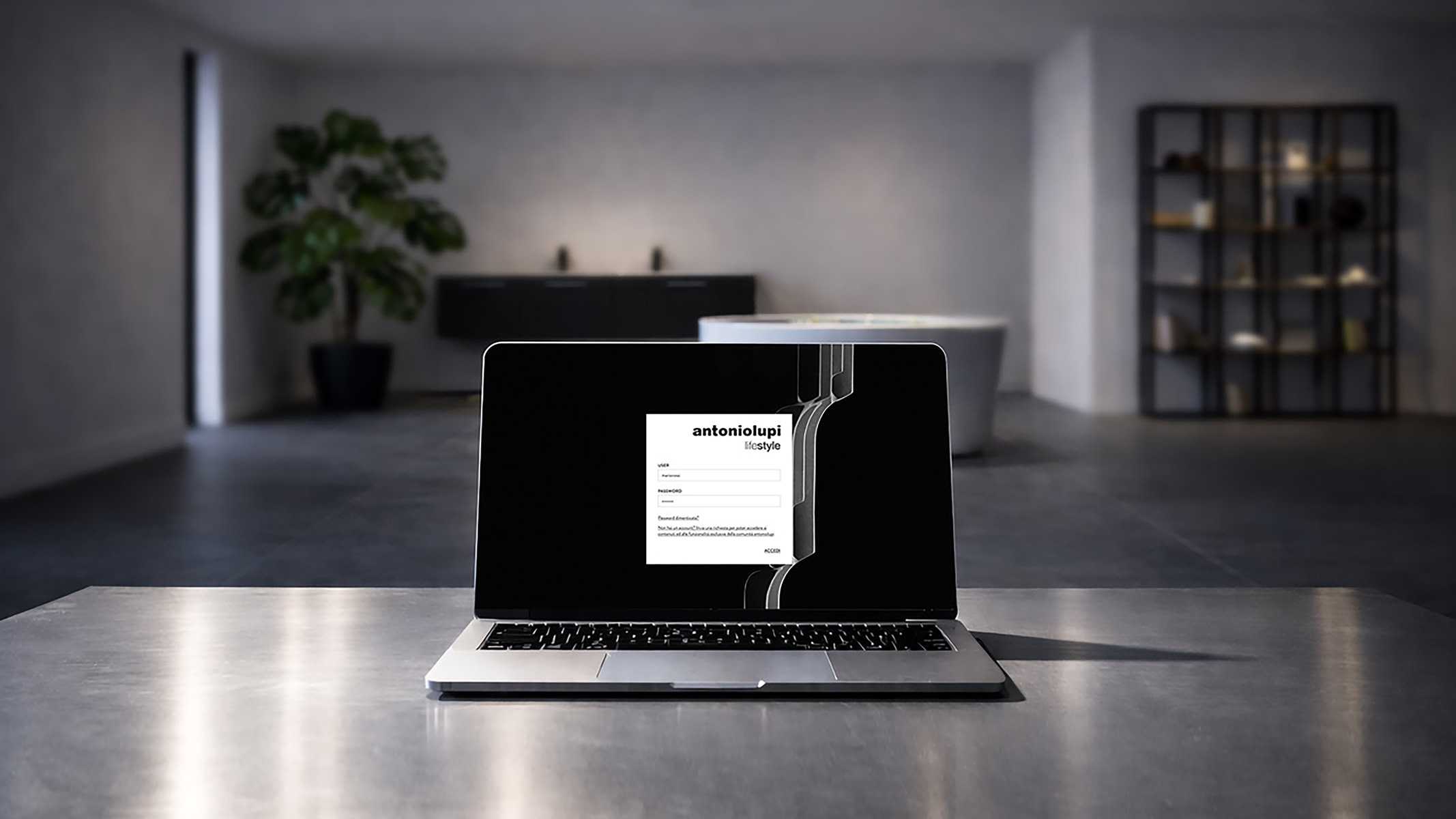
Price lists, materials, updates. All in one app
The antoniolupi app is designed to consolidate content for the sales network, offering a desktop solution optimized for daily showroom operations.
Why use the app
A tool for accessing up-to-date materials, reducing errors, and improving workflow in the showroom.
Always up to date
The app automatically synchronizes new content, price lists, and materials from antoniolupi.
Designed for the showroom
Quick desktop access with an interface for working with customers and designers.
Organized access
Price lists, news, and communications organized in a dedicated environment, beyond email streams.
01 — Download and install
Select the version for your operating system and complete the installation.
02 — Log in with your credentials
Use the MyAL credentials linked to your account.
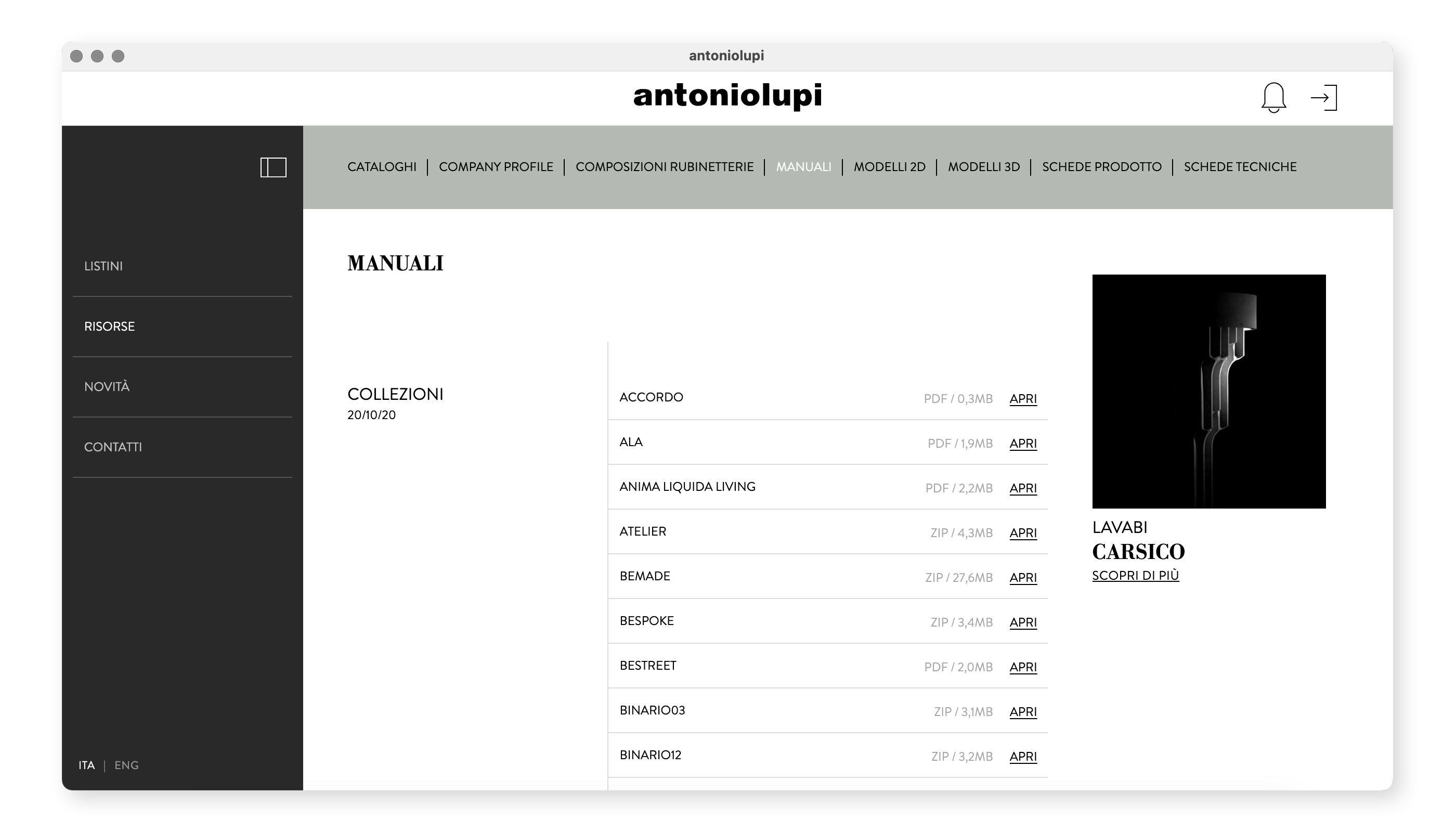
03 — View the materials
View price lists, news, and documents in their most up-to-date versions.
04 — Stay up to date
New content and updates are automatically detected and made available.
Minimum requirements
- Stable Internet connection
- Windows or macOS system
- Software installation permissions
FAQ
How do I know which version to download?
If you’re using a Windows computer (PC), simply choose the version designed for that operating system. If you’re using a Mac, however, it’s essential to first check your System Settings to see which processor is installed: you may have an Apple Silicon chip (such as M1, M2, or M3) or an Intel processor. Once you’ve determined the type of processor, make sure to download and install the software version that is specifically compatible with that chip.
What should you do if the SmartScreen alert “Windows has blocked an unrecognized app” appears?
- Click “More info” in the alert window.
- Click “Run anyway” to proceed with the installation.
- Complete the installation by following the program’s setup wizard.
Does the app update automatically?
The system is designed to detect any updates to published content, ensuring that users always have access to the latest versions of materials and information. The app is always ready to provide you with the most up-to-date content as soon as it becomes available.
Can I install it on multiple devices?
Access and the ability to perform certain actions depend strictly on the facility’s operational policies and the login credentials assigned to you. If you have specific needs or require an exception, please contact your technical support directly.
I can't install the app. What should I do?
Before proceeding, it is essential to verify that you have downloaded the software version compatible with your specific operating system and that you have granted all necessary access permissions. If the issue persists after completing these checks, please contact technical support. For a faster and more effective response, we recommend preparing a detailed description of the problem you are experiencing.